
The Cost Landscape: What Enterprise Legal AI Subscriptions Actually Cost
Before deciding whether free AI can replace a paid subscription, you need a clear picture of what "paid" actually costs in the legal AI market. The pricing range is wide, and the features that justify the price vary significantly by vendor.
| Tool | Typical Pricing | What You Get for the Price |
|---|---|---|
| CoCounsel (Thomson Reuters) | $500+/month per user | Curated legal database access, citation verification, professional-grade drafting, practice management integrations |
| Lexis+ AI | Add-on to Lexis+ subscription (varies) | RAG-augmented legal research, document drafting with cite-checking, integration with LexisNexis library |
| Harvey AI | Enterprise custom pricing (typically $1,000+/month per seat) | Fine-tuned legal model, dedicated data isolation, workflow automation, CLM integration, audit trails |
| Spellbook | $49–$199/month per user | Contract drafting and review, Word/Google Docs plugin, clause library, basic redlining |
| ChatGPT (Free Tier) | $0 | General-purpose LLM, no legal-specific guardrails, no data isolation, usage caps |
| Claude (Free Tier) | $0 | General-purpose LLM, longer context window, no legal-specific training, usage caps |
The gap between free and paid is not just about money. Enterprise subscriptions buy three things that free tiers cannot match: curated legal data sources (reducing hallucination risk), data isolation and audit trails (meeting confidentiality obligations under Model Rule 1.6), and workflow integrations (connecting to practice management, CLM, and legal research platforms). For a solo practitioner or small firm, the question is whether those three features justify the monthly outlay for every document you write.
Where Free AI Tools Genuinely Excel for Legal Writing
Free AI tools are not useless for legal work. For a specific set of low-risk, routine drafting tasks, they deliver output quality that rivals enterprise subscriptions — provided you prompt them correctly and verify the results. The key is knowing which tasks belong in this category.
Practitioner surveys cited by Kleap report that free AI tools reduce first-draft time by 30–40% when prompts include legal context and jurisdiction details. The MyCase 2025 Legal Industry Report found that 54% of legal professionals now use AI for drafting correspondence — the most common legal use case — and 39% use it for summarizing documents. These are not edge cases; they are mainstream workflows.
The Kleap analysis further notes that solo practitioners who treat free AI as a drafting assistant — never a replacement — often achieve identical first-draft quality to firms paying enterprise fees for basic documents. That claim aligns with what many small-firm attorneys report anecdotally: for a standard demand letter, a well-structured prompt to ChatGPT or Claude produces a draft that requires only minor edits, regardless of whether the underlying model is the free or paid version.
Tasks where free tools consistently perform well include:
- Initial demand letters and settlement proposals
- Boilerplate contract clauses (non-custom, standard language)
- Internal office memos and case summaries
- Client email templates and status updates
- First drafts of routine correspondence
- Brainstorming legal arguments and counterarguments
For these tasks, the economic case for free is strong. A solo practitioner paying $0 for ChatGPT who spends 10 minutes verifying and editing a draft is still ahead of one who spends 30 minutes writing from scratch — even if the paid-tool user spends only 5 minutes on verification. The math changes when the verification burden rises.
Where Free Tools Fall Short: Accuracy, Security, and Workflow Gaps
The gap between free and paid AI tools for legal writing is not narrowing uniformly. Three structural weaknesses in free tiers create risks that no amount of prompt engineering can fully mitigate.
Accuracy: The Hallucination Gap Is Real
The most authoritative data on this point comes from the Stanford RegLab/HAI study (2024), which tested over 200 open-ended legal queries across multiple AI systems. The findings are stark:
| Tool Category | Hallucination Rate | Example Tools |
|---|---|---|
| General-purpose chatbots (free tiers) | 58% to 82% | ChatGPT, Claude, Google Gemini |
| Legal-specific RAG tools (paid) | 17% to 34% | Lexis+ AI, Westlaw AI-Assisted Research, Ask Practical Law AI |
The study identified two distinct hallucination types: incorrect answers (the AI states a wrong legal proposition) and misgrounded citations (the AI cites a correct legal principle but attaches it to a non-supporting source). Both types are dangerous in legal writing, but misgrounded citations are particularly insidious because they appear credible at first glance.
The National Center for State Courts reinforces this point in its practitioner guide, warning that AI hallucinations can include "fabricated non-existent case names, statutes, or legal authorities" and "distorted or misrepresented facts, quotations, holdings of cases." The NCSC's core principle — "never trust, always verify" — applies regardless of whether you are using a free chatbot or a $1,000/month enterprise tool.
Security: No Data Isolation on Free Tiers
Free tiers of general-purpose AI tools do not offer data isolation, audit trails, or contractual guarantees that your prompts and uploaded documents will not be used for model training. SpotDraft's 2026 guide explicitly warns that free tiers come with "real limits: upload caps, usage quotas, and weaker privacy controls than paid enterprise plans" and stresses that confidential contracts or privileged communications should not be uploaded unless the vendor provides clear data controls.
For in-house counsel and law firm attorneys subject to Model Rule 1.6 (confidentiality of information), uploading a client's confidential contract or a privileged internal memo to a free chatbot creates a professional responsibility risk that no cost savings can justify. Enterprise tiers of tools like Harvey and CoCounsel offer contractual data processing agreements, data deletion guarantees, and SOC 2 certifications that free tiers simply do not provide.
Workflow Automation: The Integration Deficit
Free AI tools operate as standalone chat interfaces. They do not integrate with practice management systems (Clio, MyCase), document management platforms (iManage, NetDocuments), or contract lifecycle management tools (Ironclad, LinkSquares). Every output must be manually copied, pasted, and formatted into your existing workflow. Paid legal AI tools, by contrast, embed directly into the tools you already use — CoCounsel works within Westlaw, Spellbook operates inside Microsoft Word and Google Docs, and Harvey integrates with major CLM platforms.
For a solo practitioner producing five documents a week, the copy-paste overhead is negligible. For a firm producing fifty documents a day, the automation gap alone can justify the subscription cost.
The Hidden Cost of Free: Verification Time Required
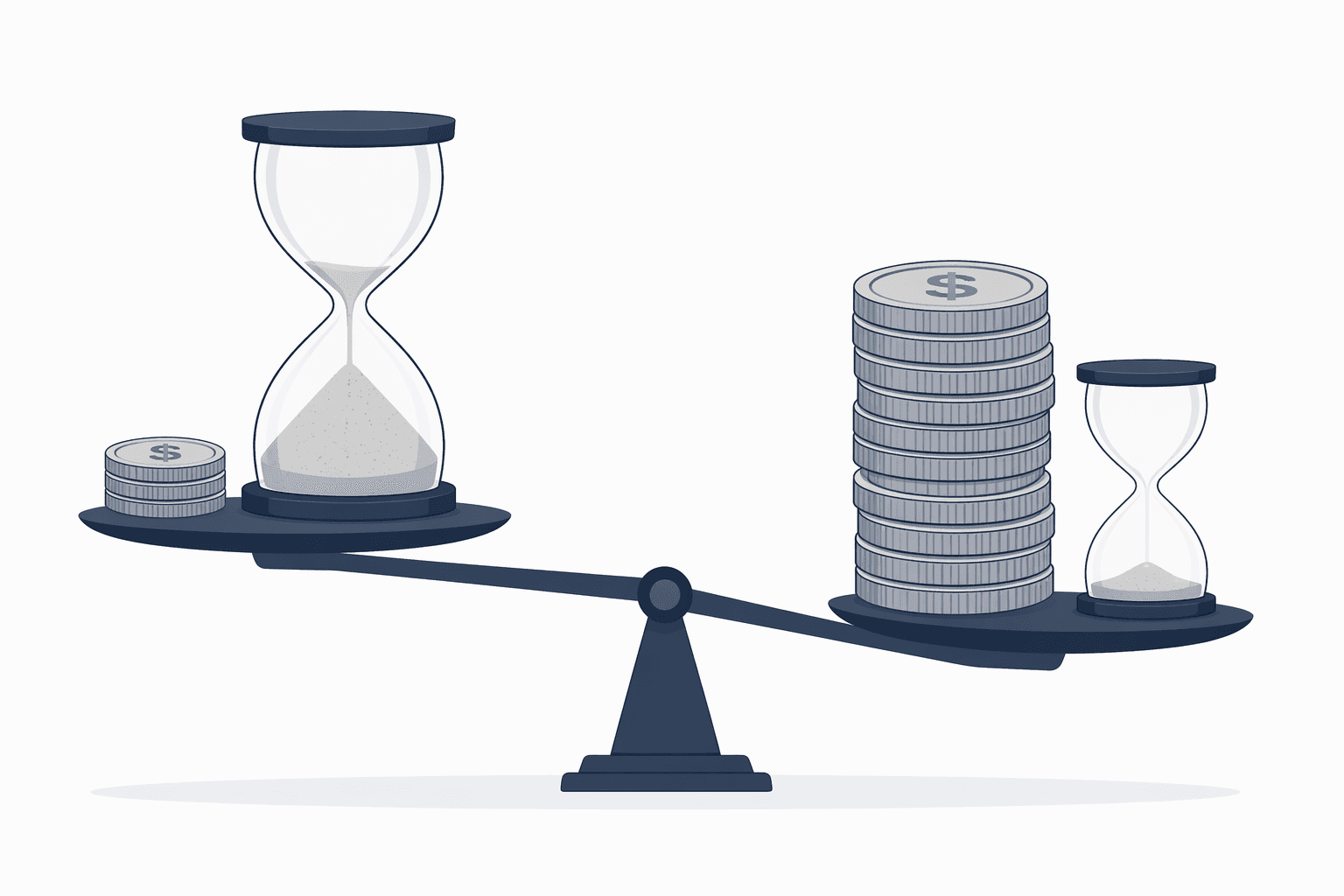
The most overlooked factor in the free-vs-paid calculation is the verification burden. Free tools produce drafts faster, but they also produce more errors — and every error must be caught by a human reviewer before the document leaves the office.
The NCSC guide advises practitioners to "check every citation, case, statute, rule, and claim" and to "implement systemic best practices" that match verification effort to the risk level of the task. For a low-risk internal memo, a quick skim may suffice. For a court filing, the verification standard is effectively 100% accuracy — every citation must be checked against the primary source, every legal proposition must be confirmed, and every factual statement must be supported by the record.
Here is the economic trade-off in concrete terms:
| Task Type | Free Tool Draft Time | Free Tool Verification Time | Paid Tool Draft Time | Paid Tool Verification Time |
|---|---|---|---|---|
| Routine demand letter | 5 minutes | 10 minutes | 3 minutes | 5 minutes |
| Citation-intensive brief (10+ citations) | 15 minutes | 60–90 minutes | 10 minutes | 20–30 minutes |
| Confidential contract review | 10 minutes | 30–45 minutes | 8 minutes | 15–20 minutes |
| Internal memo (no citations) | 5 minutes | 5 minutes | 3 minutes | 3 minutes |
For citation-intensive work, the verification burden on free tool output can exceed the time saved on drafting. A brief that takes 15 minutes to draft with ChatGPT may require 60–90 minutes of citation verification — more time than writing it from scratch with traditional tools. In that scenario, the "free" tool is actually more expensive in billable hours than a paid tool that produces more reliable output.
Decision Matrix: 12 Common Legal Writing Tasks — Free vs. Paid
The following matrix maps 12 common legal writing tasks to the appropriate tool tier. The recommendations are based on three factors: the accuracy required (hallucination tolerance), the confidentiality level of the input data, and the workflow integration needed.
| Task | Recommended Tier | Recommended Tool(s) | Rationale |
|---|---|---|---|
| Initial demand letter | Free sufficient | ChatGPT, Claude | Low citation burden; easy to verify; no confidential data typically involved |
| Boilerplate contract clause | Free sufficient | ChatGPT, Claude | Standard language; minimal hallucination risk if prompt includes jurisdiction |
| Internal office memo | Free sufficient | ChatGPT, Claude | No external citations; low verification burden |
| Client email template | Free sufficient | ChatGPT, Claude | Routine communication; easy to verify |
| Deposition summary | Free sufficient | Claude (long context window) | Factual summarization; low hallucination risk if source text is provided |
| Legal research memo (internal) | Paid recommended | Lexis+ AI, CoCounsel | Requires accurate citations; free tools hallucinate at 58–82% on legal queries |
| Court filing (motion, brief) | Paid required | CoCounsel, Harvey | Zero tolerance for fabricated citations; sanctions risk documented in Mata v. Avianca |
| Citation-intensive appellate brief | Paid required | CoCounsel, Harvey | Every citation must be verified against primary source; paid RAG tools hallucinate at 17–34% vs. 58–82% for free |
| Confidential client contract | Paid required | Spellbook, Harvey | Model Rule 1.6 prohibits uploading confidential data to free tiers without data controls |
| High-volume contract review (50+ contracts) | Paid required | Spellbook, Kira, Luminance | Workflow automation and CLM integration needed; free tools lack batch processing |
| Compliance policy drafting | Paid recommended | Lexis+ AI, CoCounsel | Requires accurate regulatory citations; free tools misground citations at high rates |
| Settlement agreement (custom terms) | Paid required | Spellbook, Harvey | High-stakes, confidential, and requires precise legal language |
For tasks marked "Free sufficient," the economic case for free is clear: the verification burden is low, the confidentiality risk is minimal, and the output quality gap between free and paid tools is narrow enough that the subscription cost is hard to justify.
For tasks marked "Paid required," the cost of using a free tool is not zero — it is the cost of verification time, the risk of a missed hallucination, and the potential professional liability exposure. In those cases, the paid subscription is the cheaper option when total cost of ownership is considered.
The Hybrid Workflow Most Cost-Effective Firms Use
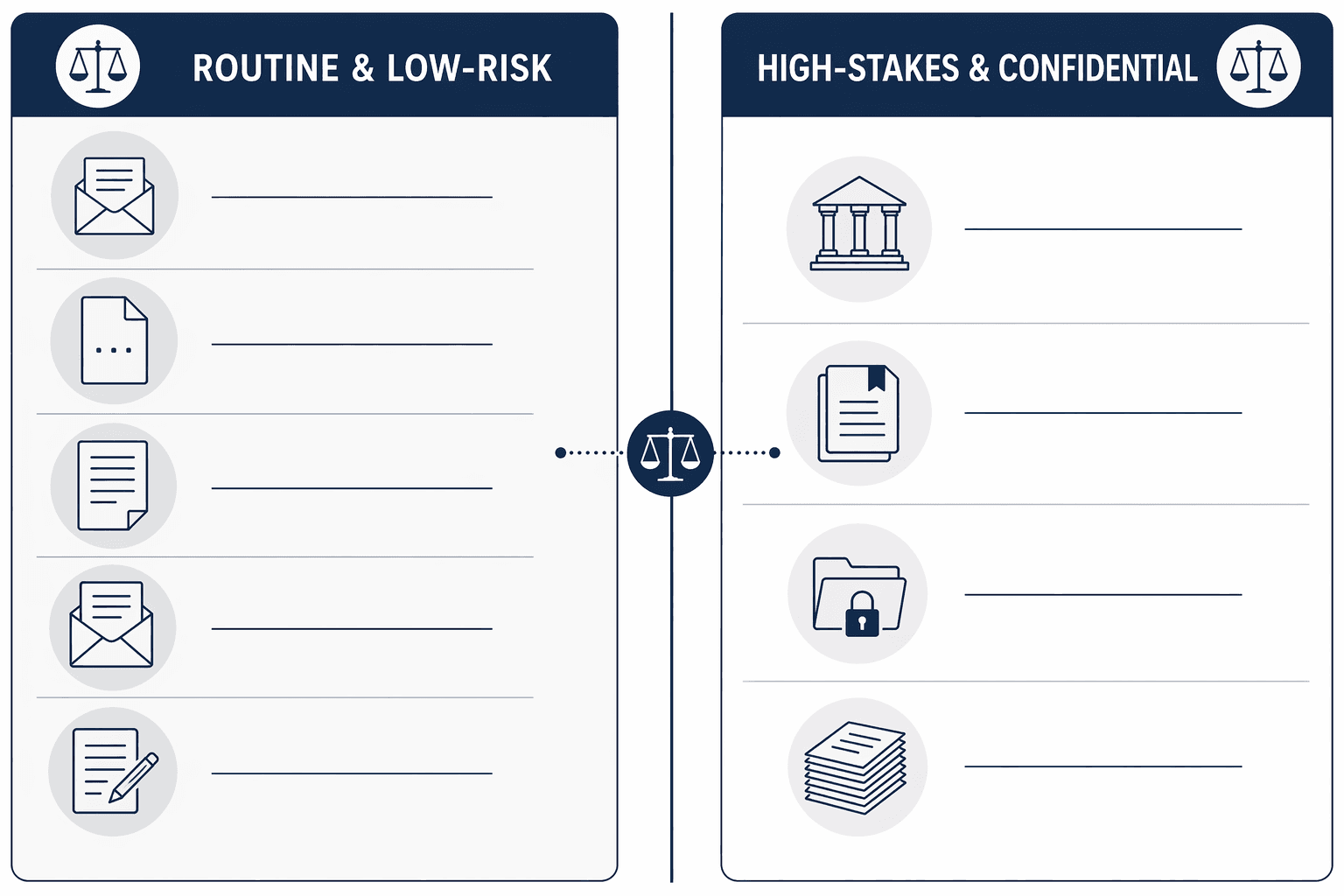
The most cost-effective approach is not an all-or-nothing decision. The firms that get the best return on their AI investment use a hybrid workflow that matches tool tier to task risk:
- Free tools (ChatGPT, Claude) for first drafts of routine, low-risk documents — demand letters, boilerplate clauses, internal memos, client email templates.
- Paid legal-specific tools (CoCounsel, Lexis+ AI, Spellbook) for court-ready filings, citation-intensive briefs, confidential contracts, and high-volume document review.
- Human verification as the constant — every output, regardless of tool tier, is reviewed by a licensed attorney before it leaves the office.
This approach allows a solo practitioner or small firm to spend $0–$50/month on AI for 70% of their drafting volume while reserving $500–$1,000/month for the 30% of work that genuinely requires the accuracy, security, and workflow integration of a paid tool. The result is a lower total cost than subscribing to an enterprise tool for every task, and a lower risk profile than using free tools for everything.
For a structured framework to evaluate which tools fit your specific workflows, see our workflow-first decision framework, which walks through the process of mapping your firm's document types to the appropriate AI tool tier.
When to Upgrade: Volume Thresholds, Confidentiality, and Court-Ready Standards
The decision to upgrade from free to paid is not driven by a single factor. It is driven by the convergence of three triggers:
- Confidentiality requirements: If your work involves client confidential information, privileged communications, or trade secrets, free tiers are not an option. The professional responsibility risk under Model Rule 1.6 outweighs any cost savings. Upgrade to a tool with contractual data processing agreements and SOC 2 certification.
- Court-ready standards: If your documents will be filed with a court, the accuracy standard is effectively 100%. The documented sanctions for AI-generated citation errors — including the Mata v. Avianca case and subsequent escalation of penalties — make the verification burden on free tool output potentially catastrophic. For court-ready work, paid legal RAG tools are the minimum viable option.
- Verification time exceeding subscription cost: Track the time you spend verifying free tool output for a specific task category. If the verification time on free output consistently exceeds the cost of a paid subscription (calculated at your billable rate), the paid tool is the economically rational choice.
- Volume thresholds: At a certain volume, the copy-paste overhead of free tools becomes a meaningful productivity drain. For firms producing more than 20–30 documents per week, the workflow automation features of paid tools — direct integration with Word, Google Docs, practice management systems — often justify the subscription on time savings alone.
- Practice area requiring high citation accuracy: Litigators, appellate practitioners, and regulatory attorneys who depend on precise citation accuracy should default to paid legal RAG tools. The Stanford benchmark data shows that even the best legal RAG tools hallucinate 17% of the time — but that is still 3–5x better than free general-purpose chatbots.
The bottom line is straightforward: free AI tools are a legitimate option for a defined set of low-risk legal writing tasks, and using them for those tasks is economically rational. But the decision to use free vs. paid should be task-specific, not blanket. A firm that uses free tools for everything is taking on unnecessary risk. A firm that pays enterprise subscription fees for every document is wasting money. The firms that get this right are the ones that match the tool to the task — and verify everything regardless.
Comments
Join the discussion with an anonymous comment.