
Full profile
The best legal AI tools in 2026 are not the ones with the longest feature lists. They are the ones that remove a specific bottleneck without making lawyers rebuild the way they already work. A research assistant that cannot verify citations is not a research tool. A contract platform that requires a small firm to behave like an enterprise legal department is not a practical purchase. A chatbot that sits outside Word, Westlaw, Clio, or the document-review workflow may be clever and still be the wrong operational choice.
The urgency is real. In one 2026 legal industry report, 69% of legal professionals said they use general-purpose AI for work, up from 31% in 2025, with 28% using it daily and 31% several times a week.[1] Ironclad reported that 92% of legal professionals in its survey use AI for legal work specifically, though that sample likely skews toward teams already engaged with legal technology.[2] Bloomberg Law also reported that all 40 large firms it surveyed were using legal-specific AI in 2025.[3] Adoption, however, only says the market has moved. It does not say which tool should touch client work.

Start with the workflow. The comparison changes depending on whether the problem is finding law, reviewing contracts, drafting clauses, preparing litigation strategy, managing discovery, or keeping a practice moving.
| Workflow | Primary bottleneck | Tools to consider | Trust test | Firm-size pattern |
|---|---|---|---|---|
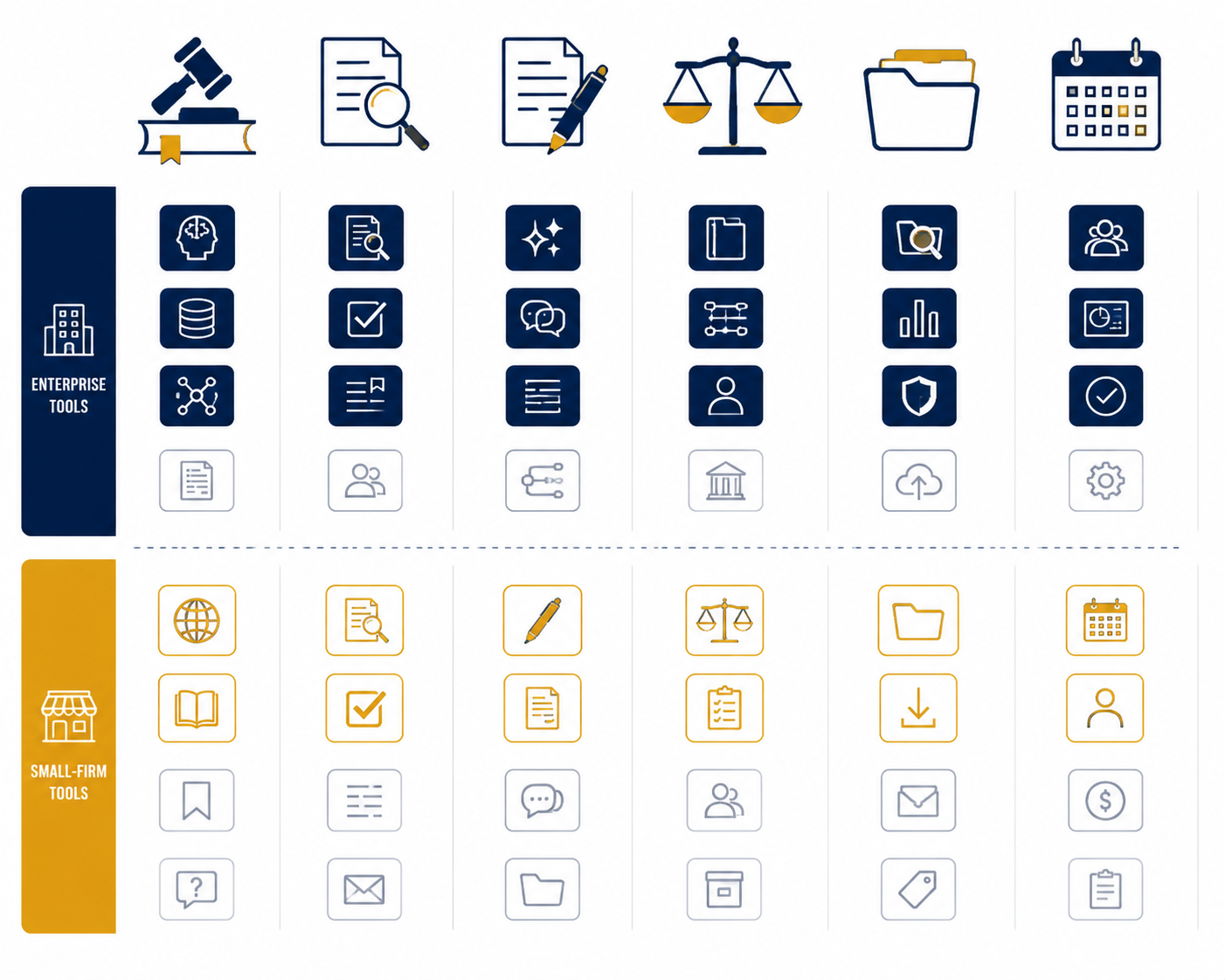
| Legal research | Finding authority, summarizing sources, and verifying citations | Lexis+ AI, Westlaw Precision with CoCounsel, CoCounsel, Harvey for broader enterprise research workflows | Citation accuracy, source grounding, and whether the lawyer can inspect the underlying authority | Large firms and legal departments can justify premium research platforms; smaller firms should be careful about paying for capability they will not use daily |
| Contract review and analysis | Extracting obligations, comparing clauses, flagging risk, and accelerating due diligence | Luminance, Kira, Ironclad, Evisort, CoCounsel, Harvey Vault | Data governance, playbook control, audit trail, and accuracy on the document types the team actually reviews | Enterprise buyers usually need CLM or diligence-scale review; small firms need narrower tools with lower setup burden |
| Contract drafting | Turning precedent and deal terms into first drafts, redlines, and clause alternatives | Spellbook, Microsoft Word-integrated assistants, Lexis+ AI, CoCounsel, Harvey | How well the tool works inside Word and whether suggested language can be traced, reviewed, and conformed to firm precedent | Spellbook-style embedded drafting is often more accessible for small and midsize firms; enterprise drafting depends on knowledge-base and governance maturity |
| Litigation prep and analytics | Assessing arguments, judges, venues, timelines, and case strategy | Lex Machina, Bloomberg Law, Westlaw analytics, CoCounsel, Harvey | Coverage, jurisdiction fit, explainability of analytics, and whether outputs are treated as strategy inputs rather than predictions | Most useful where litigation volume justifies the subscription and where attorneys already rely on structured dockets or analytics |
| eDiscovery | Reducing review volume, prioritizing documents, and managing production workflows | Relativity, Everlaw, Reveal, DISCO, Logikcull | Defensible process, privilege controls, review audit trails, and compatibility with existing discovery obligations | Enterprise and litigation-heavy firms need mature review platforms; smaller matters may not justify full-scale discovery infrastructure |
| Practice management and admin | Capturing time, drafting routine communications, surfacing matter information, and reducing administrative drag | Clio Manage AI, Smokeball Archie AI, PracticePanther-style practice tools with AI features | Whether the AI is embedded in the matter system and respects permissioning, billing, and client-data boundaries | Often the most practical AI entry point for solo and small firms because it improves work already happening in the practice system |
Legal research: accuracy beats productivity claims
Legal research is where the showroom version of AI ages fastest. A tool can summarize a doctrine beautifully and still fail the moment an associate has to check whether the cited case exists, whether it says what the tool claims, and whether it remains good law. For this workflow, the purchase question is not “How fast is the answer?” It is “How fast can a lawyer verify the answer without leaving the research environment?”
That is why Lexis+ AI, Westlaw Precision with CoCounsel, and similar research-native systems belong in a different category from open-ended assistants. They are not risk-free, but they are built around legal content, citation workflows, and source inspection. Viewpoint Analysis’ 2026 buyer guide emphasizes integration with existing lawyer workflows, including CoCounsel inside Westlaw, as a meaningful evaluation point rather than a cosmetic convenience.[4] NexLaw’s 2026 tool guide also reports that Lexis+ AI outperformed competitors on accuracy in independent testing, while still treating pricing and fit as separate questions.[5]
The court-risk context is no longer theoretical. Bloomberg Law reported in 2026 that courts had sanctioned firms for submitting hallucinated AI-generated citations.[6] That does not mean every AI research tool is unsafe. It means citation verification is not an optional “responsible use” paragraph in the vendor deck. It is the workflow.
For large firms and legal departments, the stronger candidates are usually Lexis+ AI, Westlaw/CoCounsel, and enterprise systems such as Harvey where broader practice-group workflows matter. The trade-off is cost and governance. Enterprise pricing for Harvey, CoCounsel, Lexis+ AI, and similar tools is often not publicly disclosed, so budget comparisons rely heavily on demos, procurement calls, and secondary buyer guides rather than transparent sticker prices. For a deeper pricing frame, see Legal AI Pricing in 2026: What You Actually Pay vs. What You Get.
For small firms, the answer is less obvious. A premium legal research AI may be justified if research is the firm’s daily bottleneck. If the actual problem is drafting routine motions, managing intake, or keeping billing current, a research platform may be impressive and still sit underused. The best small-firm choice is usually the one that shortens a recurring task without asking the lawyer to maintain a separate AI process. For that buying path, see How to Choose a Legal AI Tool for Your Small Law Firm in 2026.
Contract review and analysis: enterprise power is not the same as everyday fit
Contract review tools solve several different problems that are too often collapsed into one category. Reviewing a vendor agreement against a fallback position is not the same as diligence review across thousands of documents. Extracting renewal dates from a contract repository is not the same as negotiating a new limitation-of-liability clause. The right tool depends on which of those jobs is actually blocking the team.
Enterprise platforms such as Luminance, Kira, Ironclad, Evisort, Harvey Vault, and CoCounsel are strongest when the buyer has repeatable review patterns, enough document volume, and the governance capacity to configure playbooks, permissions, and audit trails. Artificial Lawyer’s reporting on law-firm tool use noted Kira’s continued strength in due diligence, Harvey Vault’s rapid rise to the number two position in that survey, and also firms abandoning CoCounsel and Harvey after pilots, which is a useful reminder that adoption snapshots do not equal durable fit.[7]
Independent and semi-independent buyer guides tend to converge on the same practical test: do not buy a contract AI platform until it has been tested against the team’s own documents, clause standards, escalation rules, and confidentiality requirements. Viewpoint Analysis frames integration and workflow fit as core evaluation criteria, while Ironclad’s own category materials organize legal AI around contract lifecycle tasks rather than a single universal assistant.[4][8] Vendor materials can be useful for category mapping, but the proof has to happen in the documents the legal team actually handles.
A midsize litigation group case study reported by Attorney at Work described a 60% contract review time reduction, but that should be read as a case example, not a general promise that any firm will see the same result.[9] The result matters because it points to where contract AI can pay off: repetitive review, defined issue spotting, and faster first-pass analysis. It does not eliminate the need for legal judgment, especially where the commercial consequence of a missed clause is high.
Firm size changes the recommendation sharply. A legal department with a high-volume procurement function may need CLM-connected AI and reporting. A corporate practice doing diligence may need specialized review at scale. A five-lawyer firm may need a narrower drafting and review assistant that works in Word and does not require a long implementation cycle. For contract-review-specific due diligence, see AI Contract Review Security and Data Governance: A Due Diligence Guide and AI Contract Review Software in 2026: A Category-Based Comparison for Legal Teams.
Contract drafting: the Word toolbar may matter more than the model
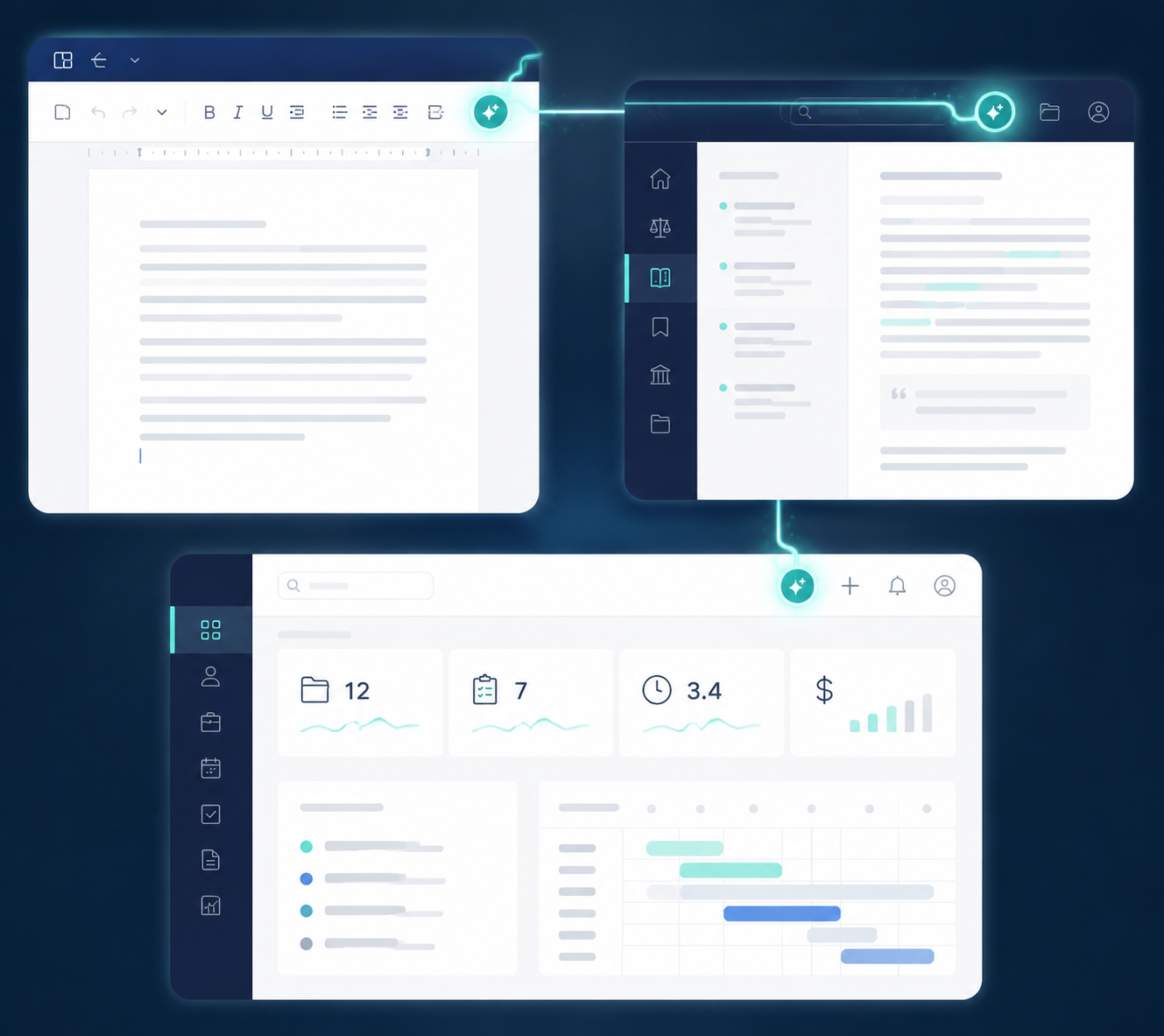
Contract drafting is where integration often decides whether a tool gets used after the demo. Lawyers already draft, compare, and negotiate in Word. A drafting tool that lives there, sees the document context, and produces language a lawyer can immediately redline has a practical advantage over a more powerful assistant that requires copying sensitive text into a separate interface.
Spellbook is the obvious example of this embedded approach: its appeal is not that it promises to replace contract judgment, but that it appears where the drafting work already happens. Viewpoint Analysis specifically highlights Spellbook inside Word as a meaningful workflow-integration point.[4] That kind of placement reduces adoption friction for small and midsize firms because it does not ask lawyers to learn a new drafting ritual before seeing value.
Enterprise drafting is a different procurement problem. Harvey, CoCounsel, Lexis+ AI, and other higher-end systems may be attractive where the firm wants drafting support connected to research, precedent banks, or practice-group knowledge. But the buyer then has to ask harder questions: whose precedents are available to the system, how access is permissioned, whether generated language is logged, and how lawyers are expected to verify that a clause reflects current law and firm position.
The strongest drafting use cases are usually narrow: produce a first draft from a known template, suggest clause alternatives, convert a term sheet into agreement language, or explain a counterparty redline. Open-ended “draft any legal document” claims should be treated cautiously. Drafting quality depends on context, governing law, client position, negotiation history, and precedent discipline. A tool that produces fluent language without showing its assumptions can create cleanup work for the associate or partner who has to stand behind the document.
Litigation prep and analytics: useful inputs, not predictions
Litigation AI and analytics tools are most useful when they help lawyers organize what they already need to know: judge history, venue patterns, motion outcomes, comparable cases, timelines, and argument themes. Lex Machina, Bloomberg Law analytics, Westlaw analytics, CoCounsel, and Harvey may all enter the conversation depending on whether the need is structured analytics, research support, or broader litigation work product.
The risk is overreading the output. A venue report or judge analysis is not a forecast. It is a structured view of past data, limited by coverage, tagging quality, and the facts of the current matter. The better procurement question is whether the tool improves preparation: fewer missed authorities, faster case comparison, clearer motion strategy, and better handoff between partners, associates, and litigation support.
Large litigation practices can justify specialized analytics because they repeatedly use the same data categories. Smaller firms should be more selective. If the firm litigates occasionally, a premium analytics subscription may be less valuable than a research platform or practice-management AI that improves daily throughput.
eDiscovery: defensibility comes before speed
eDiscovery AI is not new, and that is a point in its favor. Relativity, Everlaw, Reveal, DISCO, Logikcull, and similar platforms are evaluated less like experimental assistants and more like litigation infrastructure. The question is whether the tool can reduce review burden while preserving privilege controls, audit trails, production defensibility, and collaboration across attorneys, reviewers, and vendors.
This is one category where the “best” tool may be the one already accepted by the litigation team, client, or discovery vendor. Switching platforms for a modest AI feature gain can create training, migration, and defensibility costs. For large matters, the mature review workflow matters more than a polished generative-AI layer. For smaller matters, the buyer should confirm whether the platform’s pricing and setup match the scale of the dispute.
Practice management and admin: the small-firm AI category to take seriously
For many solo and small-firm lawyers, the most valuable AI tool may not be a research engine or contract analyzer. It may be the assistant inside the system that already holds matters, tasks, time entries, client communications, and billing context. Clio Manage AI and Smokeball Archie AI belong in the consideration set because they target the administrative drag that small firms feel every day.
The evaluation standard is different here. The tool does not need to produce complex legal analysis to be useful. It needs to summarize matter information, help draft routine client communications, reduce time-entry leakage, and surface next steps without compromising client data or creating billing confusion. Smokeball’s 2026 small-firm-oriented guidance places AI tools in the context of the everyday legal toolbox rather than only enterprise transformation, though its vendor perspective should be weighed accordingly.[10]
Clio’s position is similar: the strongest argument for practice-management AI is workflow proximity. If the lawyer already opens the practice system every morning, the assistant does not have to win a separate behavior-change campaign. For more detail on that category, see Clio Manage AI Review.
What to ask before buying
A legal AI purchase should begin with a bottleneck, not a vendor shortlist. Once the workflow is clear, the evaluation becomes much less theatrical.
- For legal research, ask how citations are generated, displayed, checked, and linked to primary or trusted secondary sources.
- For contract review, test the tool on the firm’s own agreements, fallback positions, clause library, and escalation rules.
- For drafting, watch where the work happens: Word integration, precedent access, redline handling, and review history matter more than generic drafting demos.
- For litigation analytics, confirm coverage, jurisdiction fit, and whether attorneys can understand why the tool surfaced a pattern.
- For eDiscovery, prioritize defensibility, privilege protection, audit trails, and reviewer workflow over novelty.
- For practice management, check permissions, billing implications, client-data boundaries, and whether the AI reduces daily administrative steps.
Governance cannot be left until after rollout. NexLaw’s 2026 guide cites Clio 2025 data indicating that 79% of firms use AI while 44% still lack a formal AI governance policy.[5] Ironclad’s 2026 report also says fewer than half of firms provide training on responsible AI use.[2] Those figures do not prove that every AI deployment is reckless, but they do show why procurement, training, and supervision need to be part of the same decision.
The least useful demo is the one built around perfect instructions and a clean sample document. A better pilot assigns real users to real work: one associate verifying research, one contracts lawyer reviewing a playbook issue, one paralegal checking extracted obligations, one legal ops manager tracking permissions and logs. The cleanup burden should be visible during the pilot, not discovered after subscription paperwork is signed. For a broader evaluation structure, see How to Choose AI Software for Your Law Firm: A Workflow-First Decision Framework.
The decision rule
Choose the legal AI tool whose strongest verified capability matches the bottleneck you actually have. For research, that means citation accuracy and source grounding. For contracts, it means review quality, playbook fit, data governance, and drafting integration. For litigation and discovery, it means defensible workflows and coverage that matches the matter. For small-firm administration, it means reducing daily steps inside the system already running the practice.
A universal winner would be convenient. It would also be the wrong answer for most legal buyers. The safer purchase is the tool that fits the existing workflow, leaves a reviewable trail, and gives the lawyer enough control to stand behind the work.
References
- 2026 Legal Industry Report, 8am, 2026.
- 2026 State of AI in Legal Report, Ironclad, 2026.
- Law Firms Adopt AI Tools at Unheard-of Pace as Enthusiasm Grows, Bloomberg Law.
- Legal AI Software Options 2026, Viewpoint Analysis, 2026.
- Top 10 AI Legal Tools US, NexLaw.
- Courts have sanctioned firms for submitting hallucinated AI-generated citations, Bloomberg Law, 2026.
- Which Legal AI Tools Are Law Firms Actually Using?, Artificial Lawyer, 2025.
- 15 Best Legal AI Software Tools for 2026, Ironclad, 2026.
- Legal AI Tools 2026: How Firms Are Really Using AI Today, Attorney at Work, 2026.
- 9 Legal AI Tools US Law Firms Are Using in 2026, Smokeball, 2026.
Comments
Join the discussion with an anonymous comment.