
How to Choose a Legal AI Tool for Your Small Law Firm in 2026
A structured comparison guide for solo practitioners and small-firm attorneys evaluating legal AI tools across research, drafting, contract review, and practice management — filtered by budget and practice area, with clear attention to professional responsibility obligations.
- Hallucination rate
- Not measured / undisclosed
For a 1-to-15 lawyer firm, a legal AI tool comparison in 2026 should start with a less glamorous question than accuracy benchmarks: what job are you actually trying to stop doing by hand, and what can you safely spend every month to do it? Pricing is still unnecessarily hard to compare. Two June 2026 pricing surveys found that only a minority of frequently shortlisted legal AI tools publish straightforward per-seat pricing, and many of the most visible platforms still push buyers into demos before disclosing real cost.[1][2]
That matters more to a small firm than it does to an Am Law buyer. A solo litigator deciding between a research assistant, a drafting tool, and a practice-management add-on is not running a procurement exercise. She is deciding whether the subscription will reduce enough repeatable work to justify the bill, and whether the tool can be used without creating confidentiality, citation, or supervision problems.
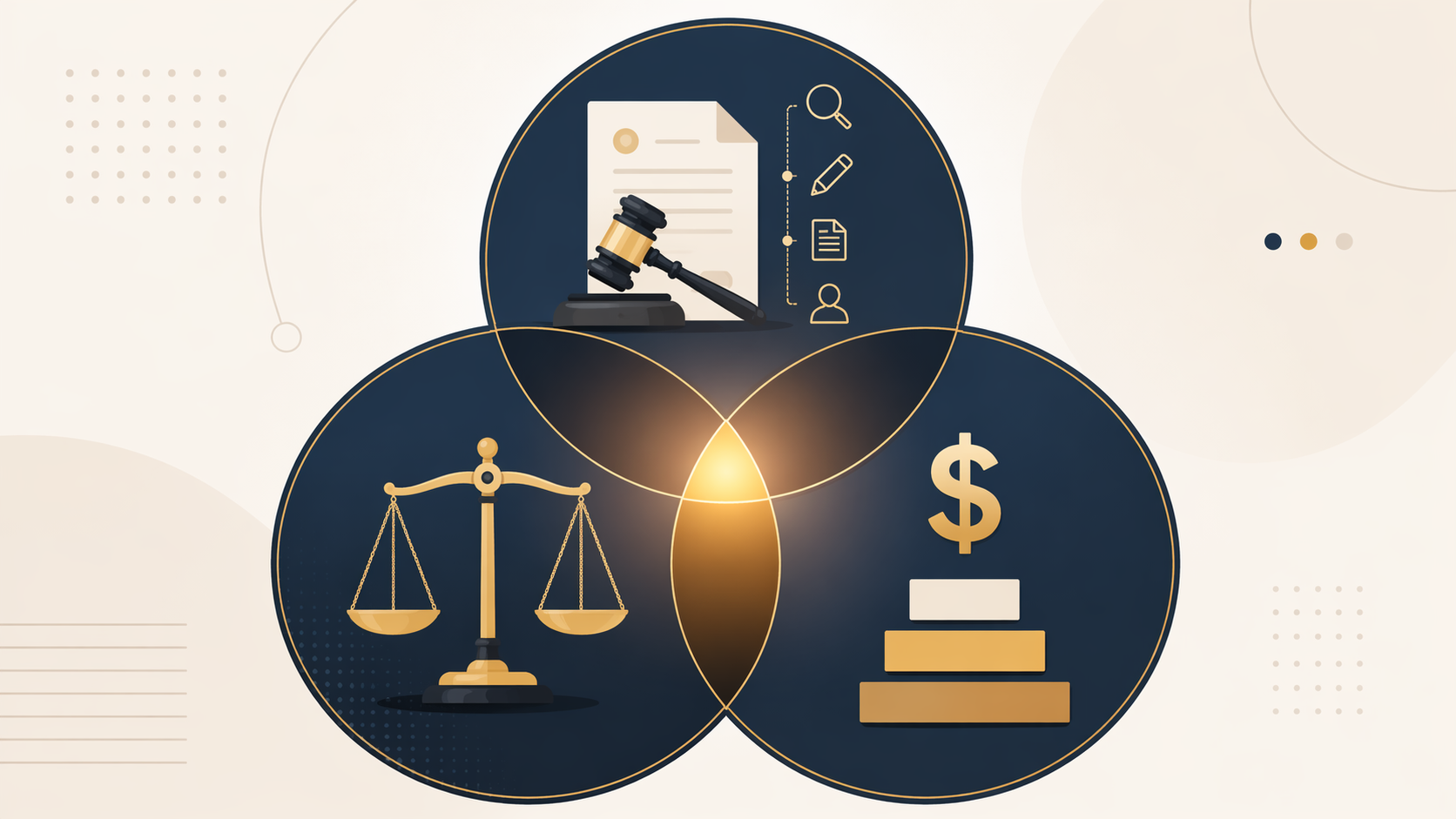
Start With The Buying Filter
This comparison is scoped to firms with 1–15 lawyers, limited or no internal IT support, and a realistic preference for tools that can be tested without a long sales cycle. The most useful first pass is not “best AI for lawyers.” It is this:
| If your main pain is... | Start by comparing... | Budget tier that usually fits small firms | Main risk to control |
|---|---|---|---|
| Litigation research, cite-checking, brief drafting | Legal-specific research and drafting tools; citation-aware drafting assistants | $50–$200/month per seat first; $200–$500 only if research volume supports it | Hallucinated authority, missed jurisdiction limits, weak source verification |
| Discovery responses, form pleadings, repetitive litigation documents | Drafting automation tools such as Briefpoint-style products and document assembly tools | $50–$200/month per seat | Template mismatch, unreviewed factual assertions, overdelegation to nonlawyer staff |
| Contracts, intake questionnaires, routine transactional workflows | Gavel-style automation, contract review tools, clause extraction tools | $50–$200/month per seat; higher only for deal-heavy practices | Confidentiality, poor clause context, treating redlines as legal judgment |
| Time entries, matter summaries, email drafting, client follow-up | Practice-management AI add-ons, especially if the firm already uses that platform | Add-on pricing around $49–$99/month where available | Client data handling, audit trail gaps, staff using AI outside firm policy |
| General brainstorming, plain-language rewriting, internal checklists | General-purpose AI such as ChatGPT Plus, Claude Pro, or similar tools | Under $50/month per user | Using a general chatbot as if it were a legal research system |
The short version: the $50–$200/month range is where most small firms should spend serious comparison time. It is high enough to get legal-specific workflow value, but not so high that the firm has to reshape its entire economics around the tool. For a deeper pricing-only breakdown, see Legal AI Pricing in 2026: What You Actually Pay vs. What You Get.
Pricing And Workflow Matrix For Small Firms
The table separates vendor-published pricing from third-party estimates. That distinction is not bookkeeping; it changes how much trust a small firm should put in the number before blocking time for a demo. Vaquill’s benchmark is useful but should be read with the disclosure that Vaquill sells AI software in the same market.[2]
| Tool or category | Best-fit workflow | Small-firm price signal | Price confidence | Small-firm judgment |
|---|---|---|---|---|
| Claude Pro | Internal drafting, summarizing, brainstorming, non-client-facing first drafts | $20/month | HIGH: vendor-published price referenced in 2026 comparisons | Useful as a cheap assistant, not a standalone legal research or citation system |
| ChatGPT Plus | Internal drafting, rewriting, issue spotting, checklists | $20/month | HIGH: vendor-published price referenced in 2026 comparisons | Good value for low-risk internal work if client data and citations are controlled |
| TheLawGPT | Budget legal assistant for solo users | Free–$20/month | MEDIUM: comparison source, not a full independent benchmark | Worth testing only with careful verification of sources, scope, and privacy terms[3] |
| Briefpoint | Discovery responses and repetitive litigation drafting | About $89/month | MEDIUM: third-party pricing benchmark unless confirmed directly | Strong candidate where discovery drafting is frequent enough to create repeatable savings[2] |
| Gavel | Document automation, intake-to-document workflows, transactional forms | About $99/month | MEDIUM: third-party pricing benchmark unless confirmed directly | Often more practical than a broad AI suite when the real problem is repeatable document assembly[2] |
| Clearbrief | Litigation drafting, record cite support, brief review | About $150–$200/month | MEDIUM: third-party pricing benchmark unless confirmed directly | A serious litigation option where citation discipline is worth paying for[1][2] |
| Clio Duo / Clio Manage AI | Practice-management automation, matter summaries, administrative workflow | About $49–$99/month as an add-on | MEDIUM: third-party and vendor-context pricing materials | Best fit for firms already living inside Clio; less compelling if it requires a platform switch[4] |
| Paxton-style legal AI assistant | Legal drafting, review, and matter support | About $199/month | MEDIUM: third-party estimates and evaluation materials | Near the top of the practical small-firm range; due diligence on retention and security matters[2] |
| CoCounsel | Research, drafting, litigation support, Westlaw-connected workflows | About $225–$400+ standalone; about $250–$650 bundled with Westlaw Precision | LOW to MEDIUM: third-party estimates, bundle-sensitive | Potentially valuable for research-heavy firms, but pricing can move beyond small-firm comfort quickly[1] |
| Lexis+ AI | Research and drafting in Lexis ecosystem | About $250–$500/month | LOW to MEDIUM: third-party estimates | Worth considering when the firm already relies on Lexis and can use the research integration enough to justify cost[1] |
| Spellbook | Contract drafting and review | About $179–$500/month | LOW to MEDIUM: third-party estimates | Can fit contract-heavy practices, but price spread makes confirmation essential before evaluation[2] |
| Harvey | Enterprise legal AI platform | About $500–$1,500/seat with roughly 20-seat minimum; estimated annual floor around $288,000+ | LOW: third-party enterprise estimate | Powerful for large organizations, structurally mismatched for most 1–15 lawyer firms[1][2] |
| Legora | Enterprise legal AI collaboration and drafting platform | About $300–$800/seat with roughly 10-seat minimum | LOW: third-party enterprise estimate | Not a default small-firm recommendation unless the firm has unusual volume, budget, and support capacity[1][2] |
A price estimate should trigger a question, not end the analysis. If a tool’s public materials do not say whether client data is retained, whether it is used for model training, what security certifications exist, and whether an audit trail is available, the monthly price is only half the quote.
Why The $50–$200 Tier Deserves The Most Attention
The under-$50 tools are tempting because they are easy to buy and easy to cancel. They also create the easiest path to misuse. ChatGPT Plus or Claude Pro can help rewrite a client update, turn rough notes into a checklist, or produce a first-pass outline. They should not be treated as a complete legal research product unless the lawyer independently verifies every authority and controls what client information enters the system.
The $50–$200 tier is different because the products tend to attach themselves to a narrower legal workflow. Briefpoint-style tools aim at discovery drafting. Gavel-style tools aim at document automation. Clearbrief-style tools aim at litigation drafting and citation support. Clio add-ons aim at administrative drag inside a practice-management system. Paxton-style assistants sit near the upper edge of the range and need a closer look at security, retention, and actual daily use.
That narrower fit is usually a virtue. A five-lawyer firm does not need an AI platform that can theoretically touch every department. It needs the tool that removes the bottleneck that appears every week: discovery responses, intake-to-form drafting, record cites, contract markup, matter summaries, or billing-note cleanup.
The return calculation should stay plain. Clio’s 2025 Legal Trends materials report that 65% of firms using AI save up to five hours per week; at a $300 hourly rate, that can represent about $6,000 per month in recaptured capacity.[4] But recaptured capacity is not the same as collected revenue. If the saved time only becomes unbilled slack, the subscription may still improve quality of life, but it has not paid for itself in the way a vendor slide implies.
That gap shows up in adoption data. A 2026 Clio survey, summarized by the North Carolina Bar Association, reported AI adoption among 71% of solo practitioners and 75% of small firms, but only about 32% reported revenue increases. The same summary reported that 86% of solos and 78% of small firms had not adjusted pricing models.[5] In other words, a firm can adopt AI, save time, and still fail to change the business model enough to see the benefit in receipts.
Choose By Workflow, Not By Brand Recognition
A small firm usually gets a cleaner answer by choosing one primary workflow first. The same tool that feels magical for a contract template may be dangerous if pressed into litigation research. The same research assistant that is defensible for cite checking may be overkill for intake letters.
Litigation Research And Citation-Sensitive Drafting
Litigation is where the cheapest AI option can become expensive quickly. The lawyer is not just asking for fluent text. The lawyer is asking for authorities, quotations, procedural posture, record references, and jurisdictional fit. If the tool cannot show where the proposition came from, it has not finished the job.
The fake-citation sanctions line is no longer hypothetical. Mata v. Avianca, Kohls v. Ellison, and Gauthier v. Goodyear are cited in legal AI ethics guidance as examples of the professional cost of submitting AI-generated or AI-assisted legal work without proper verification.[6] The lesson for a small firm is narrow but important: general-purpose AI can assist with drafting mechanics, but citation-sensitive work needs source verification built into the workflow and a lawyer who actually checks it.
For litigation-heavy small firms, Clearbrief-style tools, CoCounsel-style research tools, or established research-platform AI may justify higher monthly cost if they reduce cite checking, record review, or brief-polishing time. That does not make them automatic buys. A firm that files only occasional motions may be better served by a narrower drafting tool plus disciplined manual research.
Discovery And Repetitive Litigation Documents
Discovery drafting is one of the better small-firm use cases because the work is repetitive, deadline-sensitive, and often too expensive to do from scratch every time. A Briefpoint-style tool can be worth testing if the firm regularly prepares responses, objections, and related drafts. The supervision point is practical: someone still has to confirm the facts, client-specific objections, local practice, and tone.
This is also where staffing matters. If the tool saves attorney time but pushes cleanup onto a paralegal who is already overloaded, the workflow has not improved. Before buying, run one recent closed matter through the test workflow using redacted or non-confidential materials, track who reviews what, and decide whether the saved step is actually the step that constrains the firm.
Transactional Drafting And Contract Review
Transactional practices should be slower to pay for general legal AI and faster to map document flow. If most work begins with intake questions and ends in a predictable package, document automation may beat a broad AI assistant. If most work involves third-party contracts, clause comparison and redline support may matter more.
Paxton’s evaluation guidance for contract review tools emphasizes security posture, data retention, and the need to understand how a tool handles confidential documents.[7] That is the right frame. A contract tool that produces an elegant risk summary but gives vague answers about retention is not ready for routine client use.
For firms that want a deeper category view, AI Contract Review Software in 2026: A Category-Based Comparison is the better place to compare contract-specific products. The buying rule here is simple enough: do not pay for a litigation-fluent research product if your bottleneck is intake-to-document production.
Practice-Management Automation
Practice-management AI has a quieter value proposition: fewer administrative fragments. Matter summaries, time-entry support, email drafting, client follow-up prompts, and task cleanup do not look as impressive as a generated motion, but they may remove the daily drag that keeps a small firm open late.
Clio-style add-ons make the most sense when the firm already uses the underlying platform. Paying an add-on fee to improve an existing workflow is different from migrating a firm’s matters, billing, contacts, and documents because an AI feature looks attractive. Readers comparing that path can use the Clio Manage AI Review for a closer product-specific look.
The Ethics Check Belongs Before Purchase
ABA Formal Opinion 512, issued in 2024, treats generative AI as a professional responsibility issue, not just a technology choice. It directs lawyers to understand the benefits and risks of the tools they use, including confidentiality, supervision, fees, and communication with clients.[8] State rules and opinions can add their own requirements, so the ABA opinion is a floor for analysis rather than a universal safe harbor.
A small firm does not need an enterprise procurement department to do competent due diligence. It does need a written record showing that someone asked the right questions before client information went into the system.
- Confidentiality: Does the vendor use firm or client inputs to train models, and can that be disabled?
- Retention: How long are prompts, uploads, outputs, and logs stored?
- Security: Does the vendor provide SOC 2 or comparable security documentation, and is it current?
- Verification: Does the tool provide citations, source links, record references, or other ways to check output?
- Supervision: Who in the firm reviews AI output before it reaches a client, court, opposing counsel, or contract counterparty?
- Client communication: Does the firm’s jurisdiction or matter type require disclosure or consent for the intended AI use?
Clio’s ethics guidance similarly frames AI use around competence, confidentiality, supervision, communication, and billing judgment.[9] The billing point is easy to overlook. If AI reduces a task from three hours to thirty minutes, the firm needs to think about whether its fee model, client communication, and internal timekeeping still make sense.
For firms building a reusable process, How to Build an AI Due Diligence Checklist is a practical companion. The checklist should live with vendor contracts and firm policies, not in one partner’s memory.
Where General-Purpose AI Fits
General-purpose AI is not useless for lawyers. It is often the cheapest way to remove blank-page friction. It can turn a messy note into a cleaner outline, propose questions for a client interview, summarize non-confidential internal materials, or generate a first draft of a plain-English explanation. For $20/month, that is real utility.
The boundary is client-facing legal work that depends on authority, facts, confidentiality, or jurisdiction-specific judgment. Consumer and team tiers may offer better privacy terms than free tools, but they still do not turn a general chatbot into a legal research platform with reliable citation verification. For a fuller treatment of that line, see General-Purpose vs. Legal-Native AI: What Every Lawyer Needs to Know.
A sensible small-firm setup may use both: a general-purpose tool for low-risk internal drafting and a legal-specific tool for the workflow where error costs are highest. What is harder to defend is using the cheap tool for everything because the legal-specific tool felt expensive.
Tools That Are Probably Mismatched For This Buyer
Enterprise legal AI platforms may be impressive, and some are built for serious institutional use. That does not make them sensible default recommendations for a six-lawyer firm with one office manager and no internal legal operations team.
Harvey and Legora are the cleanest examples. Third-party 2026 pricing estimates put Harvey around $500–$1,500 per seat with an estimated 20-seat minimum, and Legora around $300–$800 per seat with an estimated 10-seat minimum.[1][2] Those figures are low-confidence because they are not vendor-published retail prices, but even as directional estimates they show why these platforms sit outside the ordinary small-firm buying lane.
The mismatch is not only price. Enterprise tools assume implementation time, policy design, user training, workspace administration, and enough matter volume to justify platform-level capability. A small firm that cannot support those steps may buy more system than it can govern. Readers considering that category anyway should start with accuracy and hallucination analysis, including Harvey AI Accuracy and Hallucinations, before treating brand visibility as a buying signal.
A Defensible Small-Firm Buying Rule
Choose the narrowest legal-specific tool that covers the firm’s primary recurring workflow and risk profile. If the firm’s pain is discovery responses, start there. If it is intake-to-document drafting, compare automation tools before broad AI assistants. If it is litigation research and citations, pay more attention to source verification than to writing style. If it is administrative drag, an add-on inside the practice-management system may beat a standalone legal AI subscription.
Use general-purpose AI as a supplement for low-risk internal work unless the firm has tight controls, clear review rules, and independent verification. Skip enterprise-priced systems unless the firm’s size, budget, matter volume, and support capacity have actually changed. The right AI tool for a small law firm is not the most powerful product on a comparison chart. It is the one the firm can afford, supervise, and use repeatedly without creating a new problem for the lawyer who signs the work.
References
- Legal AI Tools Comparison Chart, AI Vortex, June 2026.
- Legal AI Pricing Benchmark, Vaquill AI, June 2026.
- Best AI Legal Assistants for Solo Lawyers 2026, TheLawGPT.
- Legal AI Tool Pricing: What Lawyers Need to Know, Clio.
- By the Numbers: What Surveys Show About Law Firm AI Adoption, North Carolina Bar Association, May 2026.
- AI Ethics for Small Firm Attorneys, Clearbrief.
- How to Evaluate AI Contract Review Tools, Paxton.
- AI Tools for Legal Work: Claude, Gemini, Copilot, and More, American Bar Association, 2024.
- Ethics of AI for Lawyers, Clio.
Chronological incident history
No sanction cases have named this tool in the tracked record set to date. This does not imply the tool is safe — see Risk Digest for ongoing monitoring.
← Compare peer toolsReport a correction or tip
Spotted an outdated figure, a misstated fact, or a ruling this tool profile should reflect? Public comments are disabled for this content given the professional cost of a misreported case outcome, penalty amount, or rule text — use the structured correction channel instead.
Report a correction or tip for this record →